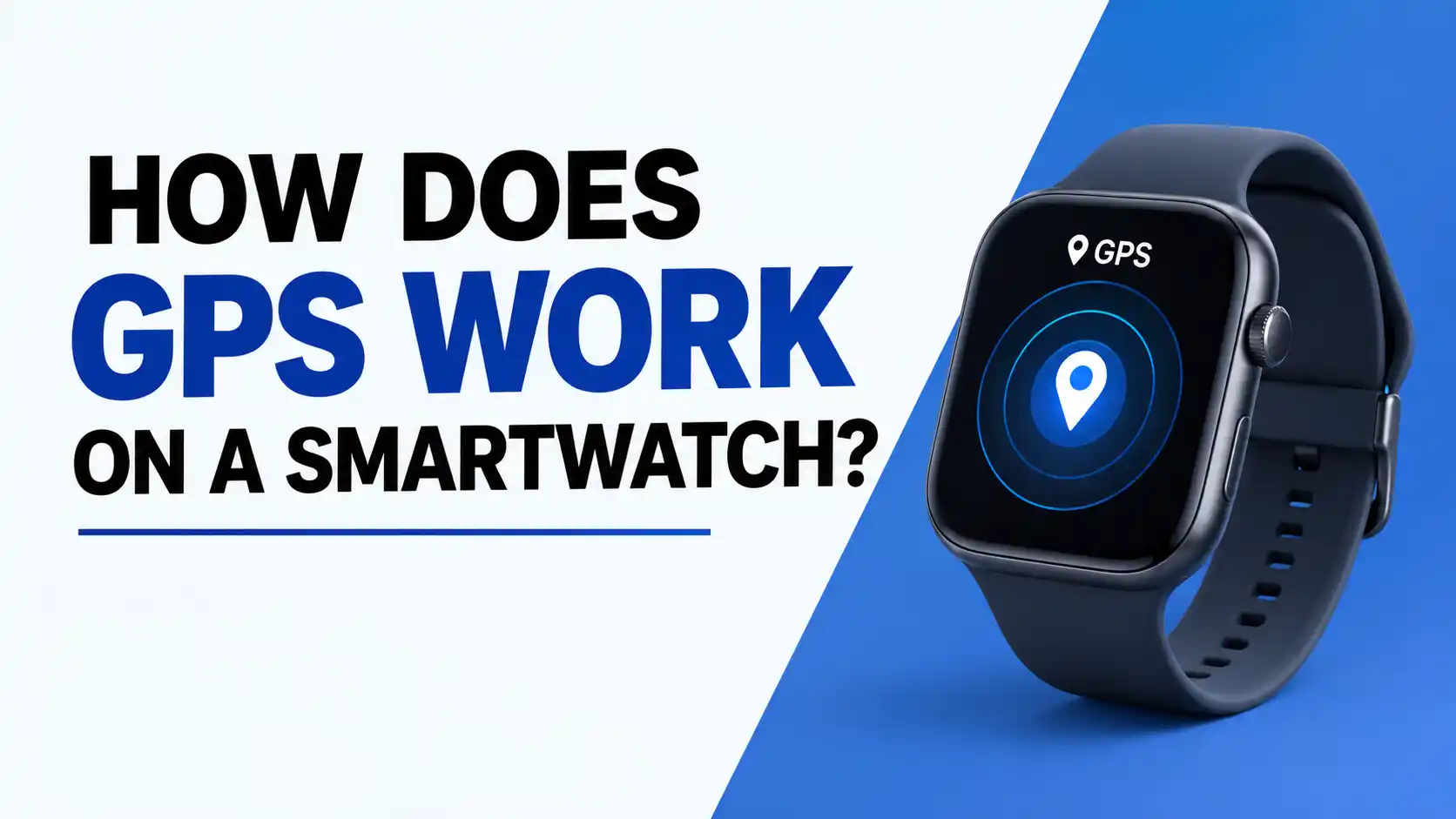
Smartwatches have GPS sensors, which are incredibly helpful. As you know, GPS has become increasingly important these days. We want to track everything with GPS, and we do.
So, in today’s article, we’ll discuss how GPS works in smartwatches.
How GPS Tracks Your Location on a Smartwatch
GPS basically works by receiving signals from satellites. Your smartwatch receives time and distance data from four or more satellites orbiting the sky. It then displays the same data collected from the satellites on the screen.
If your smartwatch’s GPS feature is enabled, a dot or a symbol will appear on the top side when you turn on the GPS.
Some smartwatches don’t have this feature. GPS is enabled when you connect your smartwatch to your phone via Bluetooth, and you’ll see the GPS in your mobile app.
A Simple Guide to GPS on Smartwatches
Look, there are over 30 satellites in the sky above Earth. These satellites continuously send radio signals, which contain their time and distance.
The GPS receiver in your smartwatch picks up these satellite signals. It takes signals from at least three or four satellites, and then calculates the time. This is how we determine location.
- The first satellite tells you that you are within a circle.
- The second satellite tells you that two circles have met and two points have been formed.
- And the third satellite stops the two points at the correct location.
- And the last fourth satellite is used to correct the time and altitude.
How Smartwatch GPS Connects to Satellites
Smartwatches have built-in GPS, which allows them to track even without a phone.
Now, let’s look at how the GPS connection works. Smartwatches essentially connect the GPS to their phone via Bluetooth to avoid draining the smartwatch’s battery. Smartwatches don’t have long-lasting batteries.
When you connect your mobile to your smartwatch via Bluetooth, the phone activates the GPS feature. When you turn on GPS, your phone retrieves the satellite’s current location via the internet. The phone then sends all the data received from the satellite to the smartwatch, which helps it detect signals quickly.
How Does GPS Help Track Your Activities?
Look, GPS connects satellites to the receiver in your smartwatch or phone. It then tracks your location, time, and distance every second. With this, when you’re walking, cycling, or running, it shows you the exact location and time on the map.
And when you’re walking or running, it shows you the data on the map in live location. In running or walking, the speed is shown as a small dot, and in slow walking, it shows a small dot.
Also, when you’re cycling or biking while wearing a smartwatch and turning on the GPS, the dot is shown at a small distance because the speed is higher.
How Your Smartwatch Uses GPS for Location Tracking
The smartwatch captures satellite signals and tracks your location. It also collects data from at least four satellites. It uses this data to calculate the time and distance from each satellite, and then draws your speed and route on a map.
The smartwatch essentially receives radio waves from satellites orbiting in the sky.
Then, the time is calculated to determine the time it took for the signal to arrive, which the smartwatch measures.
Then, using time and light, the smartwatch determines the distance to the satellite.
Then, our position is obtained from three satellites, and then the fourth satellite provides altitude and confirmation that we are in a particular location.
Smartwatch GPS: From Satellites to Your Wrist
The GPS receiver in your smartwatch receives data from satellites in the sky. It takes only a few microseconds for this data to travel from the satellite to your smartwatch on your wrist.
Look, satellites orbit the sky. And they constantly send their time and position, and this information is transmitted via radio waves.
How Accurate Is GPS on a Smartwatch?
Smartwatch GPS typically has a range of 10 to 15 feet, depending on the brand. I’m only talking about this when you’re outdoors. If you’re near buildings, dense vegetation, or inclement weather, the GPS connection can be significantly weakened, and the accuracy can be even lower.
Now let’s discuss how buildings, trees, and inclement weather can affect GPS.
Let’s talk about buildings first.
- Look, urbanites build canyons, which reflect GPS signals. This causes multipath errors and the smartwatch receives the wrong location.
Let’s talk about trees and canopy.
- If you wear your smartwatch and go into dense vegetation or forest, these trees absorb the GPS signal and then prevent it from escaping. This can lead to GPS lost.
- Also, if you’re walking or running in a forest or a dense park, it may display an incorrect location.
Talk about bad weather.
- Look, light rain or light clouds don’t affect GPS.
- However, a heavy storm can weaken or disrupt GPS signals.
GPS on Smartwatches: Everything Beginners Should Know
There are a few things you might like to know about GPS. See, GPS has some uses and some limitations.
First of all, if we talk about its uses, GPS is very helpful.
- With GPS, we can easily find our way.
- It is very helpful in Ola, Uber, or train/flight live tracking. It is very helpful in traveling.
- It also helps a lot in emergencies. For example, if you are lost or in trouble, you can call someone for help at your exact location with the help of GPS.
- It also helps a lot in creating new maps and surveying land.
Now, let’s talk about limitations. It does have some limitations.
- This causes problems indoors. For example, GPS signals become very weak when surrounded by tall buildings.
- Also, in forests or among dense trees, GPS signals are very weak or even nonexistent. This is because dense trees absorb GPS signals or block them from reaching them.
- GPS often becomes very weak in bad weather. For example, if there is a heavy storm or rain, the GPS signal becomes weak.
- Battery usage also increases when GPS is turned on, and the battery drains quickly.
Common questions asked about GPS.
- Does GPS work on the Internet? No, you don’t need any internet to use GPS, but you do need to use the internet to update maps.
- Do you have to pay to use GPS? The answer is no. GPS doesn’t require any money. You can use it for free.
Wrapped Up
In today’s article, we’ve learned how GPS works in smartwatches, what its uses and limitations are, and how it receives signals from satellites.
So that’s it for today. See you in a new article with some new topics.